
Convert Preeti text to Unicode
The Preeti to Unicode converter turns old Preeti-encoded text into standard Nepali Unicode, so it reads correctly everywhere without a special font.
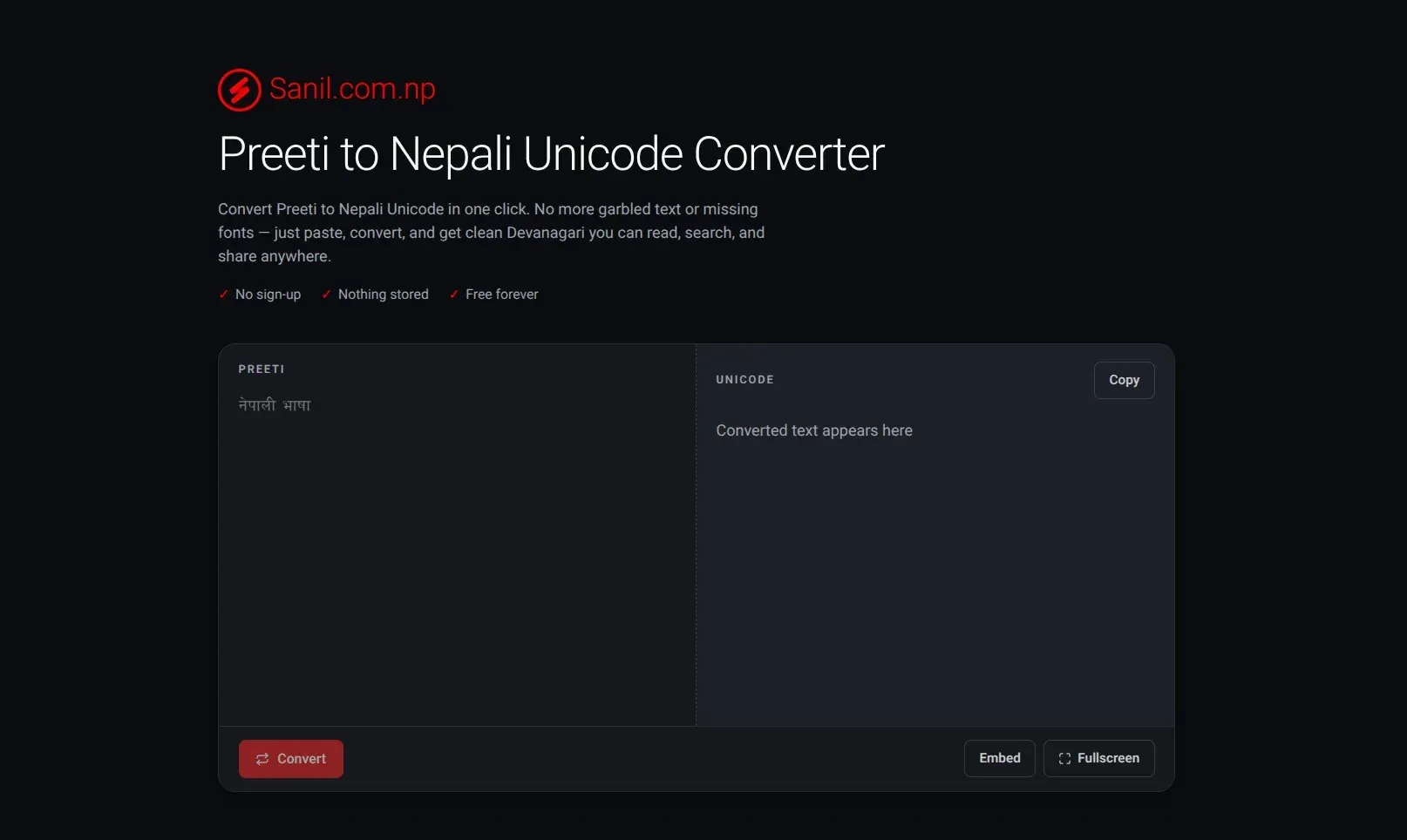
Convert your text
- Open the converter. Go to nepaliunicode.sanil.app. You do not need an account.
- Paste your Preeti text. Paste it into the left pane, Preeti, exactly as you copied it. The pane shows it in the Preeti font, so you can see roughly what it should read.
- Click Convert. The button stays grey until there is text in the left pane.
- Check the result. The converted Unicode text appears in the right pane.
- Copy it. Click Copy. The button says Copied for a moment, and the text is ready to paste into a document, a message or a web page.
Tips
- For a long text, click Fullscreen to get more room. Press Esc to leave fullscreen.
- Convert a short sample first if you are not sure the source is Preeti. See The converted text looks wrong.
- Your text is used only to produce the result. See Is my text stored or shared?