
Image compression & conversionImage Tools
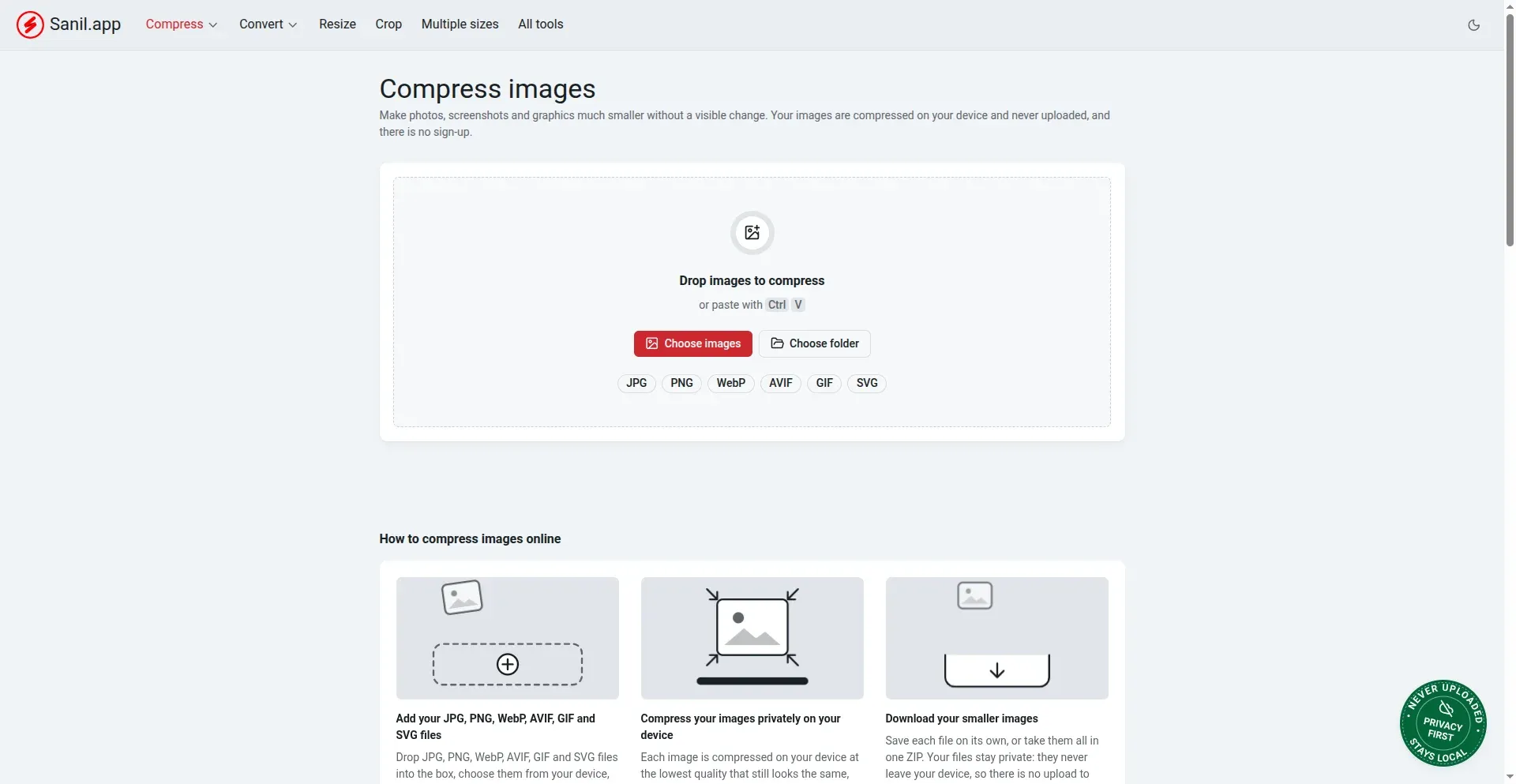
Compress, convert, resize and crop images for free — JPG, PNG, WebP, AVIF, GIF, SVG and HEIC. Everything runs in your browser, so files are never uploaded.
What's inside
Everything you need to shrink, convert and reshape your images.
Compress 6 formats
Shrink JPG, PNG, WebP, AVIF, GIF and SVG files with automatic quality optimization — no manual settings needed.
Convert between formats
Switch between PNG, JPG, WebP, AVIF and SVG, or turn iPhone HEIC photos into JPG in one step.
Resize, crop & rotate
Resize to exact pixels or common social media dimensions, crop and rotate, or generate multiple sizes at once.
Private by design
Images are processed on your device and never uploaded. Batch files, add a watermark and download it all as one ZIP.
Questions
Quick answers about Image Tools.
Are my images uploaded anywhere?
No. Every image is compressed, converted or resized right in your browser and never leaves your device — there's no upload and no server involved.
Is Image Tools free to use?
Yes — free to use with no sign-up, no watermark and no limit on how many images you process.
Which image formats are supported?
Compress JPG, PNG, WebP, AVIF, GIF and SVG. Convert between PNG, JPG, WebP, AVIF and SVG, plus HEIC to JPG for iPhone photos.
Can I resize, crop or batch-process images?
Yes. Resize by exact pixels or common social media dimensions, crop and rotate, generate multiple sizes at once, add a watermark across a batch, and download everything as a single ZIP.
Shrink your first image
Drop in a photo or screenshot and get a smaller file in seconds.